

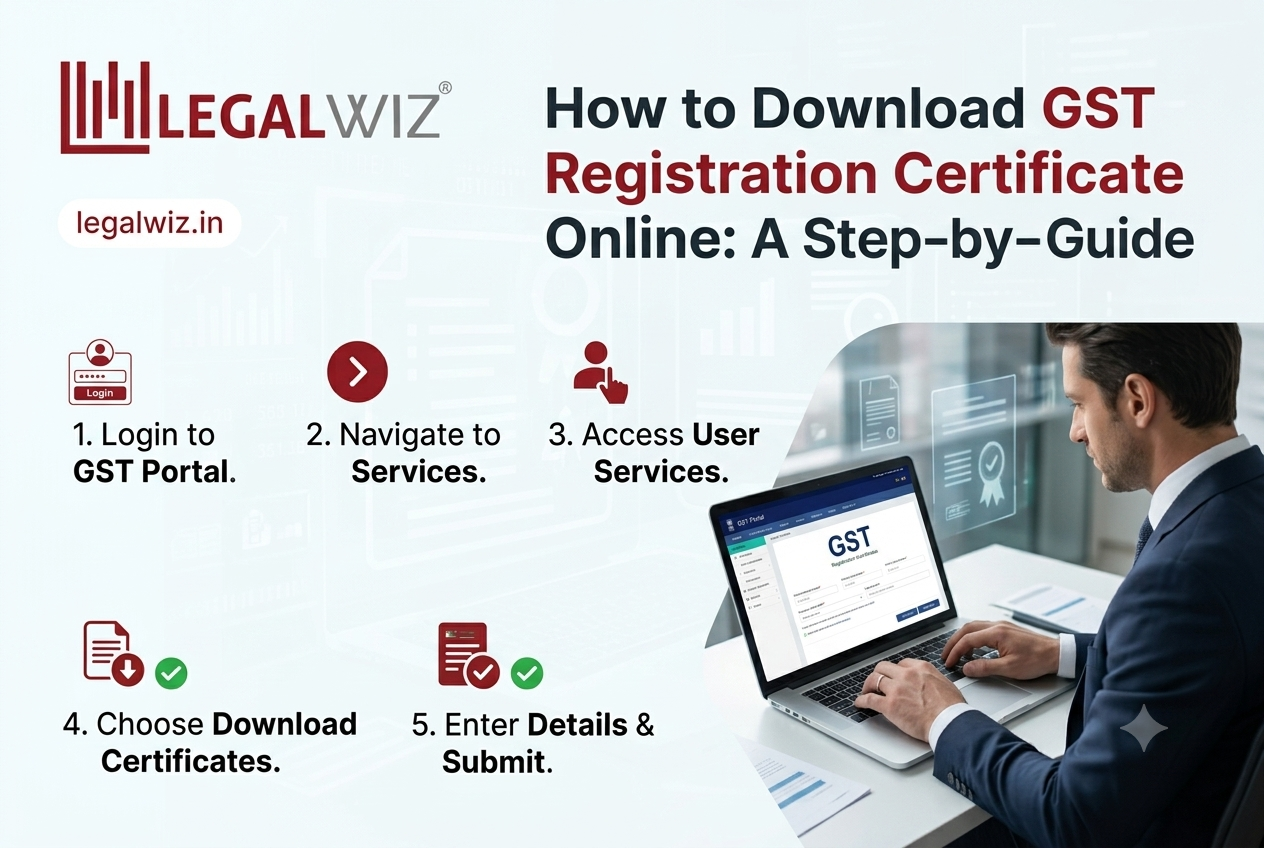
Securing a Goods and Services Tax (GST) registration is a critical milestone for businesses operating in India. Once your application is approved, the government issues an official digital document known as Form GST REG-06. Unlike the pre-GST era where physical registration certificates were mailed to business premises, the modern indirect tax framework operates entirely digitally.
Whether you are a newly established enterprise completing your initial setup or an existing business that has misplaced your paperwork, knowing how to perform a gst certificate download is a necessary administrative skill. Let’s dive into what this document entails and the exact steps required to obtain it.
What is a GST Registration Certificate?
The GST registration certificate is a formal proof that your business is legally registered under the GST regime. It contains vital information required for everyday commercial operations, such as:
- GSTIN (Goods and Services Tax Identification Number): A unique 15-digit alphanumeric code assigned to your business.
- Legal Name of the Business: The registered name of your entity.
- Trade Name: The brand or operating name of your business (if applicable).
- Constitution of Business: Classification such as Proprietorship, Partnership, Private Limited, etc.
- Address Details: The principal place of business and any additional places of business (listed in Annexure A).
- Validity Period: Specifies if the registration is standard (usually perpetual unless cancelled) or limited (for casual/non-resident taxable entities).
- Details of Person in Charge: Promoters, partners, or directors (listed in Annexure B).
Because this certificate serves as the primary proof of compliance—frequently requested by banks when opening current accounts, vendors during onboarding, and auditors during filing—it is highly recommended to keep a digital backup and printed copies readily accessible at all business locations.
Prerequisites for Downloading Your Certificate
Before attempting an Online GST Registration certificate retrieval, ensure you have the following ready:
- Active Internet Connection: A stable browser session to avoid timeouts on the portal.
- Login Credentials: Your valid GST portal Username and Password. (If you do not have these, perhaps because your accountant or CA originally set up the account, you can use the “Forgot Password” link on the homepage to reset them via your registered email or mobile number).
- Authorized Signatory Access: Any authorized signatory (as listed in your REG-14 or initial registration forms) can log in and retrieve the document. No Digital Signature Certificate (DSC) or complex OTP verification is needed strictly for downloading.
Step-by-Step Guide to Download Your Certificate
Follow these simple steps to retrieve your Form GST REG-06 directly from the official portal:
Step 1: Access the Official GST Portal
Open your preferred web browser and navigate to the official Goods and Services Tax portal: https://www.gst.gov.in.
Step 2: Log In to Your Dashboard
On the top right corner of the home page, click the ‘Login’ button. Enter your secure Username, Password, and the displayed captcha text. Click ‘Login’ to access your main dashboard.
Step 3: Navigate to User Services
Once you are inside your dashboard, look at the main navigation bar at the top of the screen.
- Hover over or click on the ‘Services’ tab.
- From the dropdown menu, hover over ‘User Services’.
- Click on ‘View/Download Certificates’.
Step 4: Locate and Download Form GST REG-06
Upon clicking View/Download Certificates, the portal will display all certificates issued to your business by the tax authorities.
- They are typically arranged in descending chronological order.
- If you have ever updated or amended your core/non-core fields (like changing your business address or adding a director), you will see multiple chronological versions of your certificate. Always choose the most recently issued version.
- Look for the document labeled Registration Certificate (FORM GST REG-06) and click the downward Download icon situated under the “Download” column on the right side of the screen.
Step 5: Save and Print
The certificate will instantly download to your device in PDF format. Open the PDF file, verify that all details are accurate, and save it using a clear naming convention (e.g., GSTIN_LegalName_REG06_Date.pdf). It is legally mandated in many scenarios to prominently display a printed copy of this certificate at your principal place of business and any declared additional branches.
What if You Recently Made Changes to Your Business?
If you recently modified details such as your business name, address, or partners via an amendment application (Form GST REG-14), the tax officer must first approve the change. Once approved, the GST portal will automatically generate an updated REG-06 certificate. Simply follow the exact same path (Services > User Services > View/Download Certificates) to pull the newly revised document reflecting your updated particulars.
Final Thoughts
Retrieving your business’s compliance documentation doesn’t have to be a headache. By navigating directly to the User Services section of the portal, you can bypass the main registry tabs and secure your PDF in under two minutes. Keep your credentials safe, ensure your status remains “Active” before sharing the file with third parties, and re-download an updated copy whenever your core business details undergo an amendment.